Work From Anywhere Without Losing Access to Business Data
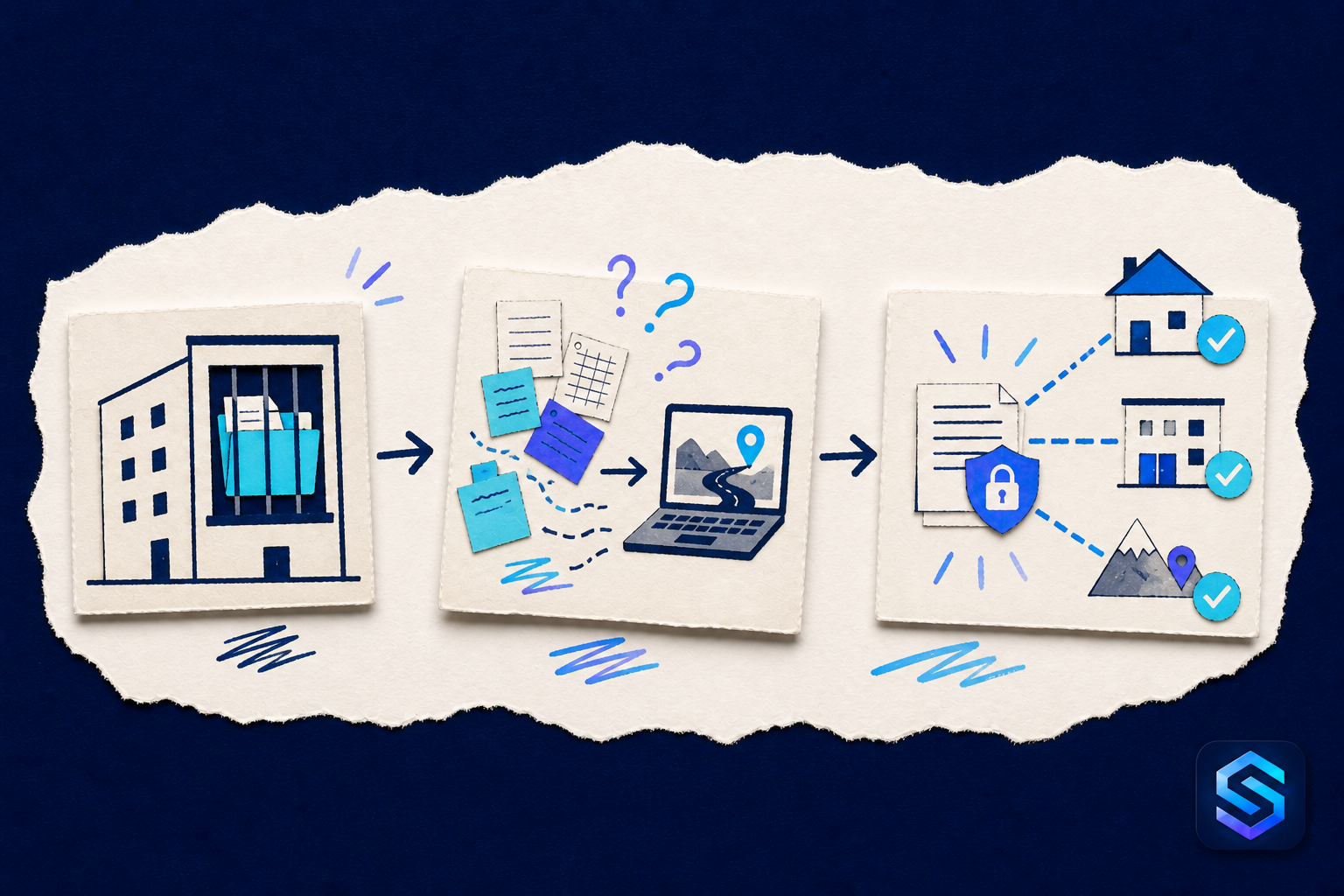
Employees need useful information while working from home, at a customer site, or on the road.
At first, the information may seem manageable. A few people know where it lives, which version to trust, and who should take the next step. As the company grows, that unwritten understanding becomes harder to maintain.
The issue is not simply where data is stored. It is whether the business can rely on that data while real work is happening.
The Familiar Workaround
Small businesses often copy files to a laptop, email them to themselves, or ask someone at the office to find the information.
These methods are attractive because they are immediate. They solve today’s request with tools the team already understands. For a small volume of work, they may even appear efficient.
But a workaround rarely remains small. More records, more employees, and more exceptions create additional copies, reminders, and manual checks. The process gradually depends on individual memory instead of a shared operating method.
When Convenience Becomes Risk
Copies multiply, data becomes outdated, and sensitive information can remain on devices or in inboxes that are difficult to control.
The visible cost is the time spent searching, validating, correcting, and following up. The less visible cost is uncertainty. Employees hesitate because they cannot confirm whether the information is current, complete, or already being handled by someone else.
Customers can feel that uncertainty too. They may receive inconsistent answers, repeat information, wait for an internal verification, or discover that an important commitment was not followed.
Give the Information a Clear Home
Business data and processes can be centralized and made available to authorized people through secure access.
Centralization does not mean putting everything into one enormous screen. It means giving each kind of information a clear place, connecting related records, and making responsibility visible.
A useful system should answer practical questions: What is happening? Who is responsible? What information supports the decision? What has already changed? What needs attention next?
When those answers come from the process itself, the business spends less time reconstructing context and more time acting on it.
Design Around the Work
Technology is most valuable when it reflects how the company actually operates. Before creating a module or changing a process, follow one real example from beginning to end.
Identify who creates the information, who reviews it, which supporting documents are required, what decisions are made, and when the work is considered complete. Then define the minimum fields, statuses, connections, permissions, and reports needed to support that path.
Starting with a focused workflow also makes improvement easier. The team can use it, identify friction, and adjust the design before expanding to another process.
Make Growth Easier to Manage
A process that depends on five people remembering its unwritten rules may fail when the team becomes twenty-five. Growth introduces new employees, more customers, additional locations, and decisions that can no longer pass through one person.
Structured information creates continuity. New employees can understand the process. Managers can see exceptions. Authorized users can find the context they need without asking who has the latest copy.
The goal is not to add technology for its own sake. It is to create a dependable way for the business to remember, coordinate, and improve.
The right time to organize an important process is while the people who understand it can still explain it clearly. That preparation turns today’s experience into a foundation the company can continue building on.