Business Process Mapping: What to Clarify Before Automating a Task
An automatic reminder can save someone a follow-up. An automatic status change can make progress visible to the next colleague. Both depend on a clear understanding of what should happen and when.
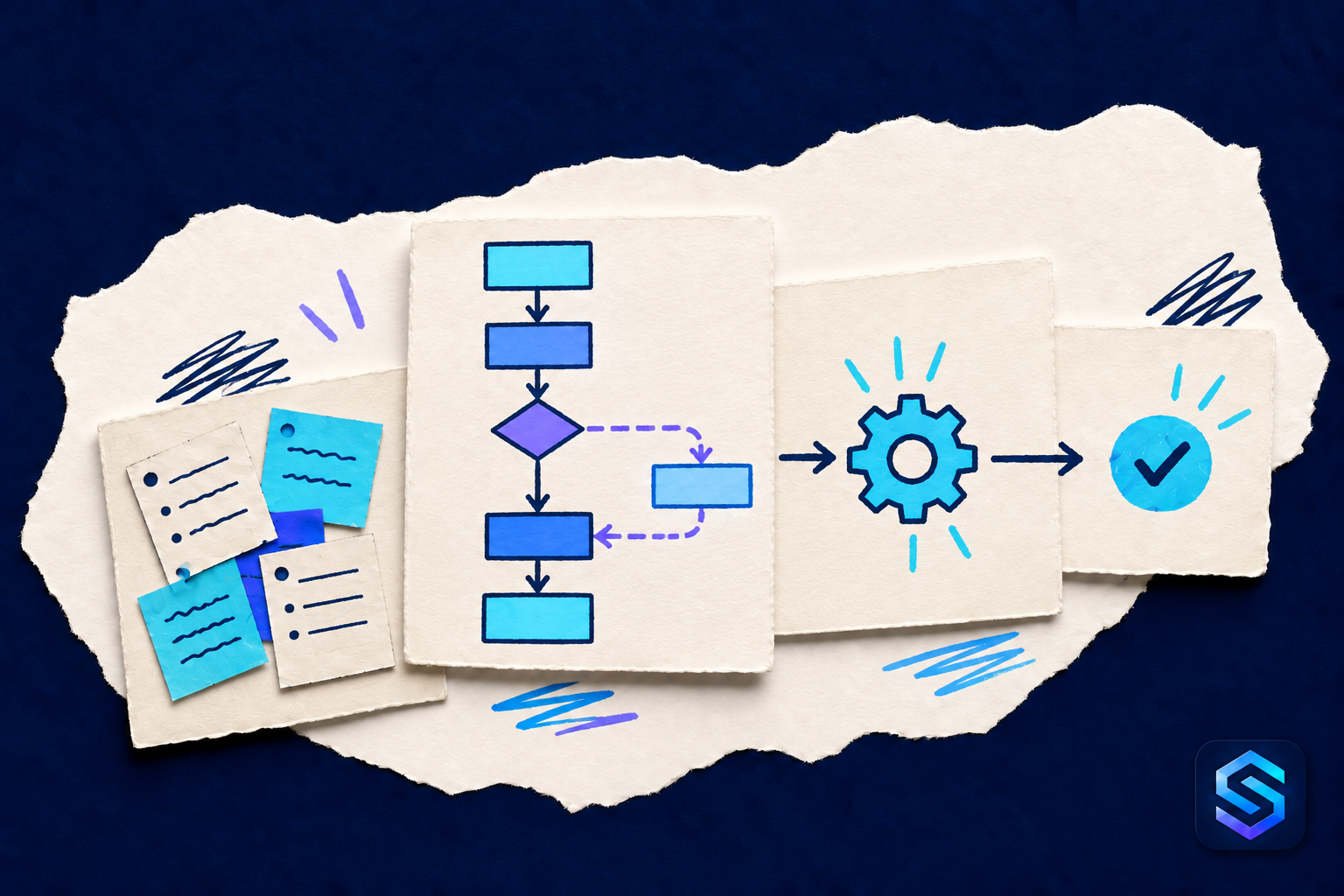
Business process mapping is a practical way to build that understanding. It shows the path from a starting event to a finished result, including the decisions and exceptions along the way. For a small business, a few boxes and arrows can be enough to begin.
Follow one real example
Choose a recurring workflow with a recognizable outcome, such as scheduling a service appointment after a customer request. Ask the people who handle it to describe the most recent example.
Write down what actually happened, including the informal checks and waiting periods. A map of the ideal process will miss the extra message someone sends because a required detail is usually absent.
Use a verb for each step: receive, check, assign, confirm, record. Beside the step, note who does it and what information they need.
A simple service-request map
Consider this fictional sequence:
- A customer submits a service request.
- The coordinator checks the contact details, location and description.
- If information is missing, the coordinator asks for it and keeps the request waiting for a response.
- When the information is complete, the coordinator reviews availability and proposes an appointment.
- After the customer confirms, the appointment and assigned person are recorded.
The distinction between “proposed” and “confirmed” is important. Automating a confirmation message at step four would communicate a decision that has not happened yet.
Six questions to answer before choosing automation
- Trigger: What specific event starts the workflow?
- Information: Which details must be present and reliable?
- Responsibility: Who handles each step and each exception?
- Decision: Which conditions determine the next action?
- Completion: What result confirms the workflow is finished?
- Recovery: What happens if the action fails or runs twice?
Include the waiting states. A request awaiting customer details should remain distinguishable from one waiting for a technician. Otherwise, the same reminder may go to people who cannot move the work forward.
Choose one useful action to automate
Once the map is agreed, look for a repetitive step with clear inputs and a result that is easy to verify. In the example, an internal reminder about requests still missing information might be a reasonable starting point.
Specify who receives it, when it applies and when it stops. Check how the automation behaves if the request closes, changes owner or receives a reply just before the reminder runs. These details help avoid unnecessary messages.
Keep judgement-based decisions with an appropriate person unless the business has explicitly agreed how they should be handled. Mapping a decision does not, by itself, authorize automating it.
Check normal work and exceptions
Before relying on the automation, try representative cases in an isolated test environment: a complete request, missing information, a cancelled request and a repeated event. Confirm that the team can see what happened and recover from a failure.
Then compare the result with the original problem. Did the automation reduce forgotten follow-ups? Did it create extra messages or new correction work? Use those observations to refine the next step.
For choosing a starting point, explore five everyday tasks businesses still manage manually. A clear process makes it easier to decide where automation will actually help.